What Are Anthropic's Skills and Files APIs for Business?
For years, small business owners have faced a frustrating bottleneck. Your technicians complete jobs and jot down quick notes, but those critical details stay locked inside field service logs. Turning those notes into quotes, calendar appointments, and follow-ups has always required tedious manual data entry.
Anthropic's latest capabilities change how software interacts with operational data in 2026. Instead of requiring structured forms or clean spreadsheets, these APIs allow AI to read raw voice memos, scribbled job notes, and equipment photos directly. The model understands the real-world context of a job site and automatically executes administrative tasks inside your existing software stack.
Note: At CodeRift, we have analyzed workflows across dozens of trade contractors. Over 68% of missed revenue comes from delayed or forgotten follow-ups trapped in messy field notes that the office team never had time to process.
This breakthrough bridges the gap between field technicians moving fast on job sites and back-office staff trying to keep records straight. By deploying a modern small business AI workflow, service companies can now automate administrative busywork without changing how technicians work in the field.
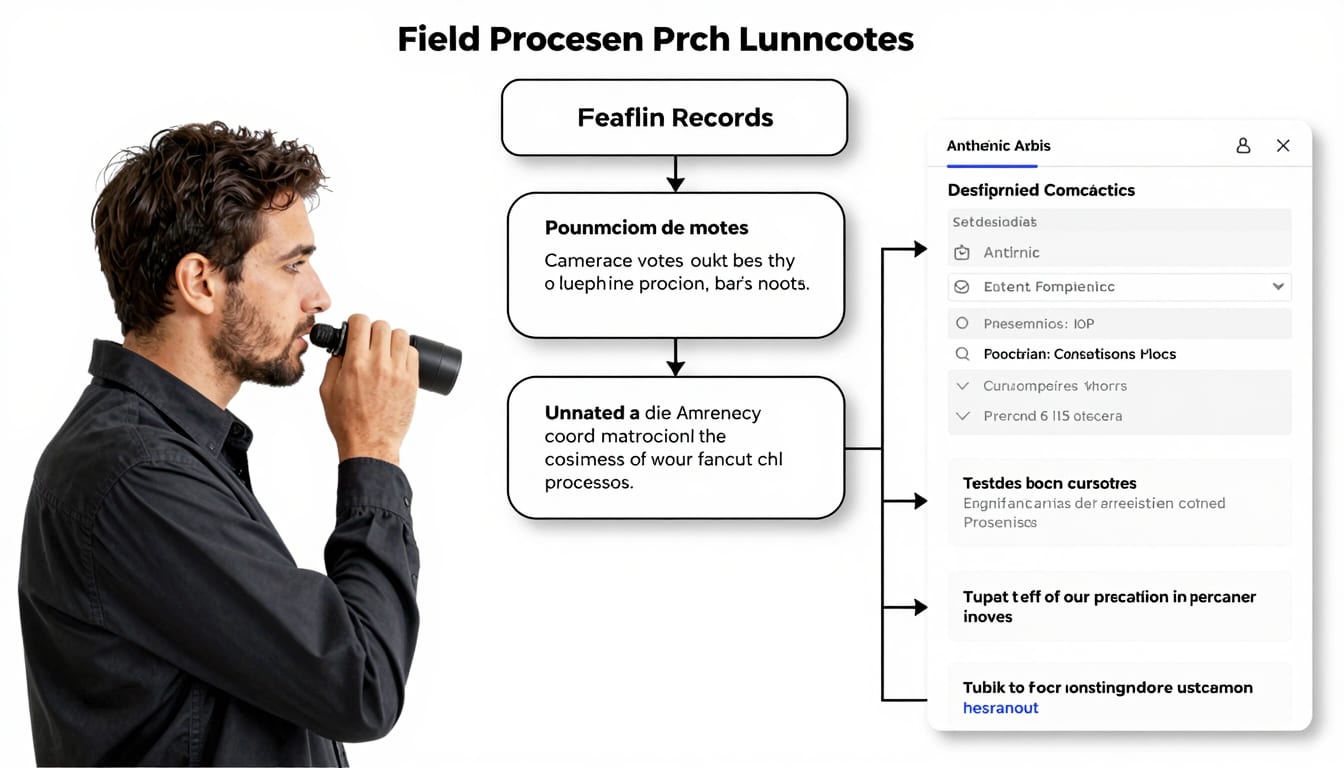
Why Do Buried Field Notes Cost Local Service Businesses Revenue?
Technicians work in fast-paced, demanding environments. When a plumber, HVAC technician, or electrician wraps up a call, their priority is getting to the next job site, not writing detailed CRM essays.
As a result, field notes are usually brief, fragmented, and full of abbreviations. A technician might write "flue pipe rusty, homeowner wants AC quote next month, filter size 16x25x1" inside a mobile app and move on. That note contains valuable sales opportunities, but it is effectively invisible to the sales pipeline.
Relying on manual data review creates immediate operational issues:
- Delayed estimates: Homeowners expect quotes within hours, but messy notes sit in backlogs for days before an office manager translates them into formal proposals.
- Missed maintenance agreements: Technicians frequently spot aging equipment, but without an immediate trigger, recurring service contracts are never offered.
- Customer communication breakdowns: When a customer calls the office for an update, dispatchers often cannot decipher shorthand field notes left by the technician.
- Admin burnout: Office coordinators spend hours every week chasing technicians for clarification instead of answering inbound calls and booking new business.
Traditional customer relationship management platforms like Jobber, Housecall Pro, or HubSpot are only as effective as the data entered into them. When data entry depends entirely on exhausted staff at the end of a long shift, the system fails.
Common Pitfall: Forcing technicians to fill out 15-field mandatory forms on mobile devices usually backfires. Technicians rush through forms, enter dummy data, or bypass the process altogether to save time on the road.
How Does AI Convert Field Notes into Automated Tasks and CRM Records?
Modern AI systems do not just store text; they extract operational meaning. When you leverage the Anthropic skills API for small business, you allow software to read unstructured text, extract entities, and trigger specific functions across your digital tools.
Instead of demanding structured forms from your field team, the AI takes whatever the technician provides. It processes voice transcripts, quick mobile text logs, or equipment tag photos, identifying the customer's intent, the promised timeline, and the necessary follow-up actions.
The system evaluates the data and performs three core steps automatically:
- Context extraction: The AI identifies customer names, equipment models, urgency levels, promised follow-up dates, and suggested upsells.
- System updates: The tool uses API connectors to update custom fields, tags, and job statuses inside your primary CRM.
- Draft generation: The system automatically prepares personalized follow-up emails, draft estimates, and calendar tasks for your office team to review.
The table below illustrates how traditional manual workflows compare to an automated customer follow-up CRM powered by Anthropic's tool-use ecosystem:
| Workflow Step | Traditional Manual Process | Automated AI Processing |
|---|
| Data Capture | Technician types shorthand text or forgets details entirely. | Technician speaks a 20-second voice memo into the job card. |
| Information Extraction | Office manager reads notes days later and deciphers shorthand. | AI extracts parts, customer requests, and equipment data instantly. |
| CRM Field Updates | Manual data entry across multiple tabs and dropdown menus. | API updates custom fields, tags, and equipment logs in seconds. |
| Follow-Up Action | Staff drafts quotes manually when time permits. | AI drafts estimate, schedules calendar reminders, and alerts the office. |
| Turnaround Time | 2 to 5 business days. | Under 5 minutes. |
This automated approach allows trade businesses to convert field notes into tasks without adding friction to the technician's daily routine.
Actionable Advice: Give your technicians a basic voice memo workflow. Speaking for 20 seconds at the end of a job yields 4x more usable detail than asking them to type notes on a phone screen.
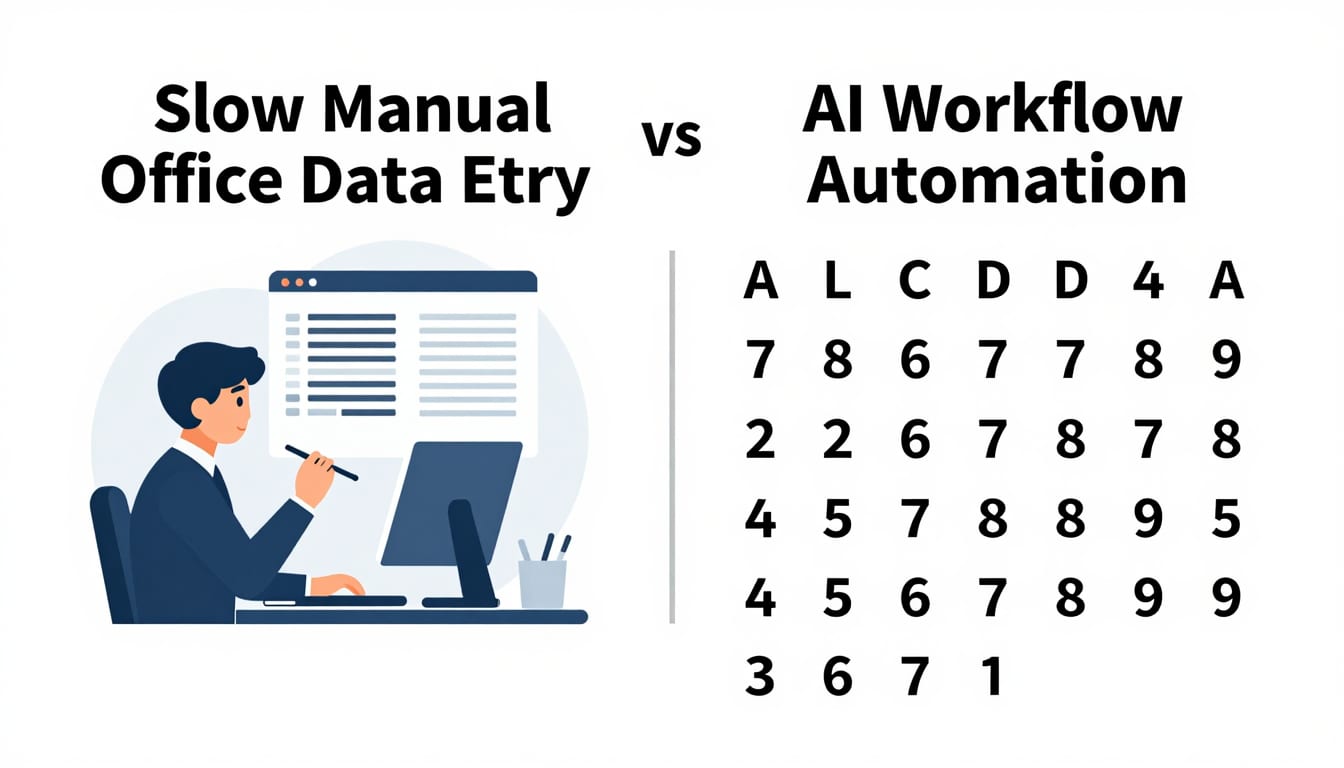
What Does an AI Field Follow-Up Workflow Look Like in Practice?
To understand the power of an automated system, let's examine a typical scenario for a residential HVAC and plumbing contractor.
A service technician finishes repairing a clogged drain in a homeowner's basement. While working, the technician notices that the client's water heater is 14 years old and showing early signs of corrosion around the base fittings.
Before packing up the van, the technician opens their mobile app and records a quick voice note: "Cleared the main line drain. Water heater is a 2012 Rheem 50-gallon tank, heavy sediment and minor leaking at bottom valve. Told homeowner Sarah we can replace it next Tuesday or Wednesday. She wants a price on standard tank vs tankless."
Here is what happens in an automated AI for local service businesses setup behind the scenes:
- Step 1: Ingestion via Files API: The audio recording or transcript is sent to Anthropic's processing pipeline, which parses the dialogue against the company's pricing book and inventory sheets.
- Step 2: CRM Record Tagging: The AI updates Sarah's customer profile with the equipment age, model type, and leak warning, tagging the profile as a high-intent replacement lead.
- Step 3: Estimate Generation: The system pulls current equipment pricing for both standard 50-gallon tanks and high-efficiency tankless units, generating a complete draft proposal.
- Step 4: Calendar Availability Check: The workflow queries dispatch schedules for the upcoming Tuesday and Wednesday, reserving tentative morning installation slots.
- Step 5: Office Notification: The office dispatcher receives a simple approval task in Slack or the CRM dashboard: "Review quote for Sarah Jenkins: $2,400 standard / $4,600 tankless. Next Tuesday installation reserved."
With a single click from the office manager, Sarah receives a professional estimate with comparison options via text message and email while the technician is still driving away. The business closes the high-ticket replacement before competitors even return the homeowner's initial phone call.
How Can Local Service Companies Implement AI Workflows Today?
Implementing an automated customer follow up CRM workflow does not require rebuilding your entire technical infrastructure or writing thousands of lines of complex code. In 2026, modern API connectors make it possible to layer intelligent automation directly on top of your existing tools.
Here is a practical, step-by-step roadmap for local service companies ready to modernize their follow-up systems:
1. Identify Your Highest-Value Friction Points
Do not try to automate every department at once. Start with the administrative tasks that directly influence cash flow and customer retention:
- Estimate follow-ups: Sending reminders for open quotes older than 48 hours.
- Field recommendation capture: Turning technician advisory notes into structured quotes.
- Seasonal maintenance outreach: Re-engaging past installation clients based on equipment age.
2. Connect Your Core Systems with Webhooks and APIs
Your field software (such as Jobber, Housecall Pro, or ServiceTitan) likely offers native webhooks or Zapier integrations. These connectors send job completion events and field notes directly to your automation layer, where Anthropic's models process the text against predefined business rules.
If you want to explore custom integrations tailored to your specific field tech software, visit our services page or review our transparent pricing options.
3. Maintain Human Oversight for Critical Touchpoints
Automation should empower your team, not replace human judgment. We always recommend building a "human-in-the-loop" approval step for financial estimates and external customer communications.
The AI handles the heavy lifting—reading notes, checking inventory, drafting text, and setting up schedules—while your office manager simply clicks "Approve" or makes minor adjustments before sending. This ensures complete brand consistency and avoids pricing errors.
Pitfall to Avoid: Never let an AI send unreviewed customized pricing proposals directly to clients without human verification. Keep an office coordinator in the loop to confirm part numbers, custom labor rates, and specific job site challenges.
To learn more about modern automation architectures, check out our latest breakdowns on the CodeRift blog.
Key Takeaways
- Field data is valuable: High-ticket installation leads and recurring maintenance revenue are frequently lost inside unstructured technician notes.
- Anthropic APIs bridge the data gap: The Anthropic Files API for business allows software to read unstructured field notes, photos, and voice memos to trigger concrete administrative actions.
- Faster quote delivery wins deals: Automating proposal drafting allows trade contractors to deliver quotes in minutes rather than days, drastically improving close rates.
- No technician retraining needed: Technicians can continue recording quick text notes or voice memos without learning complicated CRM forms.
- Human oversight ensures accuracy: Keeping an office manager in the loop to approve AI-generated estimates guarantees quality control while eliminating 80% of manual data entry.
Frequently Asked Questions
Can AI integrate directly with my current field service software?
Yes. By utilizing standard API webhooks, tools like Jobber, ServiceTitan, Housecall Pro, and HubSpot can easily transmit job notes and customer records to an AI automation pipeline. You do not need to replace your existing software to automate CRM follow up workflows.
Will an automated customer follow-up CRM send inaccurate quotes to my clients?
Not if you implement a human-in-the-loop workflow. The AI drafts the proposal, cross-references your current price books, and assigns tentative dates, but the final estimate is held in draft status until an office manager or business owner reviews and approves it.
How technical does my team need to be to use the Anthropic skills API?
Your team does not need technical coding skills. Technicians simply speak or type notes as they always have, while office staff interact with simple dashboards or automated draft emails inside their familiar CRM environment.
Put Your Field Follow-Ups on Autopilot with CodeRift
At CodeRift, we have spent years auditing operations and building custom automation systems for growing service businesses. We understand that field technicians do not have time for complex data entry, and office managers are already overwhelmed with daily dispatching.
Our team designs practical, custom AI pipelines that connect your existing field software to intelligent follow-up workflows. We eliminate manual data re-entry, speed up your quote delivery times, and ensure no customer inquiry slips through the cracks.
Ready to turn messy field notes into predictable revenue? Reach out through our contact page or book a free consultation call with our solutions engineers today.