What Is Salesforce Headless 360?
In September 2026, Salesforce officially renamed this architecture to AIforce. Despite the rebranding, the core concept remains the same: bringing enterprise data to the front lines without the enterprise software clutter.
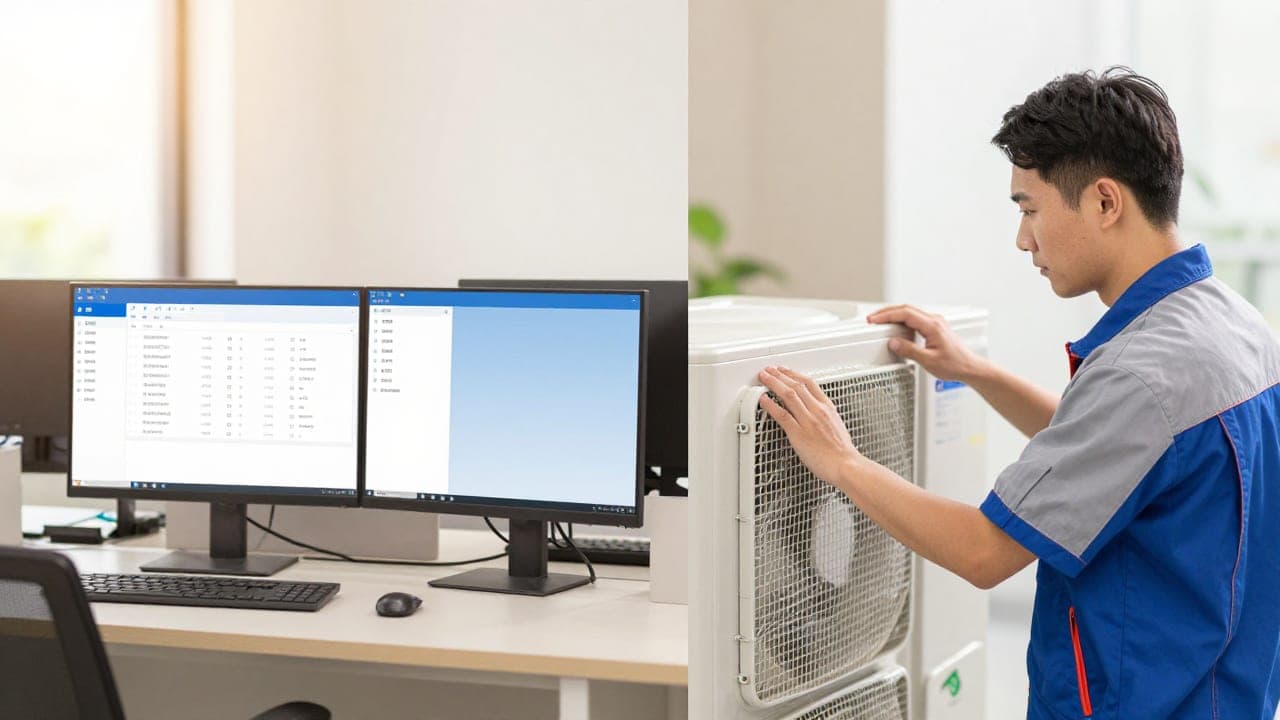
The term "headless" sounds technical, but it does not mean operating in the dark or working without a screen. In software engineering, the "head" simply refers to the default user interface—the tabs, sidebars, complex menus, and dense layouts that desktop Salesforce users see every day.
When you cut off that default head, the engine underneath stays completely intact. Your automated workflows, security permissions, customer history, and custom data fields continue running in the background.
Instead of logging into standard Salesforce, your staff interacts with lighter, purpose-built interfaces. Technicians can view job tickets inside an ultra-streamlined mobile app, while dispatchers can assign appointments directly from a messaging tool.

At CodeRift, we have audited dozens of field service tech stacks, and the biggest point of failure is rarely the database. It is almost always user adoption—workers simply refuse to fight cumbersome software while standing in a hot mechanical room or driving between jobs.
Currently, core components of this ecosystem—including the Model Context Protocol (MCP) server integration and the Headless Experience Layer—remain in open beta rollouts across 2026. Small and mid-sized field service companies do not need to rebuild their entire tech stack overnight, but understanding how a headless CRM field service model operates will prevent you from buying clunky, outdated software licenses today.
Naming check: Keep in mind that Salesforce documentation may refer to this infrastructure interchangeably as Salesforce Headless 360 or Salesforce AIforce field service. Both terms describe the same underlying shift toward decoupled CRM workflows.
How Does Headless CRM Change Field Service Dispatch Workflows?
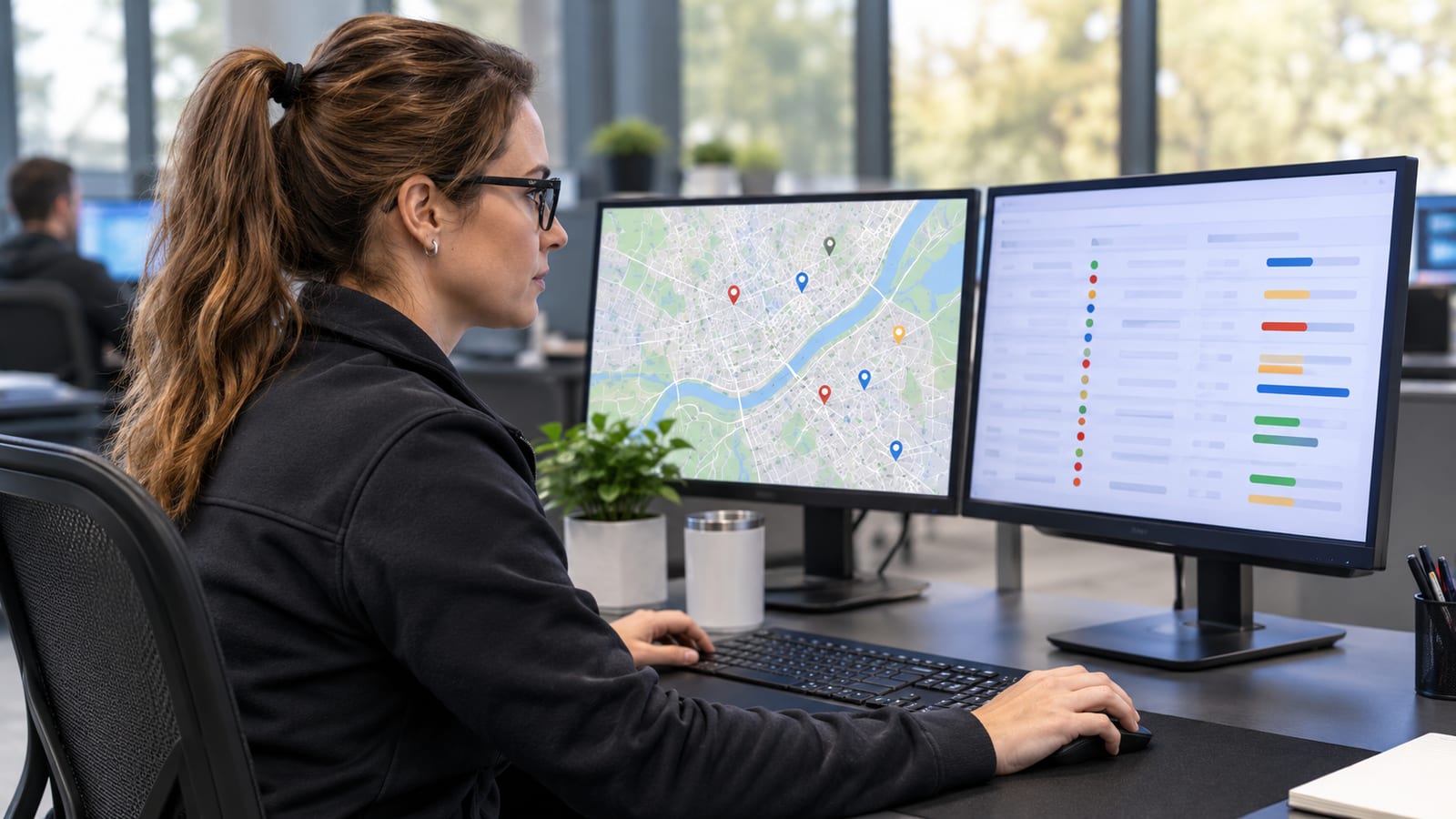
For most dispatchers, a typical morning looks like juggling a twenty-tab browser maze. They have one tab open for live GPS tracking, another for customer call logs, a third for parts inventory, and multiple open tabs just to modify a service appointment.
A modernized field service dispatch workflow removes that mental fatigue by bringing CRM capabilities directly into existing communication channels. If your dispatch team already spends eight hours a day inside tools like Slack, Microsoft Teams, or custom internal dashboards, headless workflows allow them to execute CRM tasks right there.
Instead of clicking through three tiers of Salesforce menus to reassign an emergency water heater repair, a dispatcher can trigger the update with a single click or a plain-language prompt inside their chat stream.
Here is what changes when the CRM interface gets out of the dispatcher's way:
- Instant schedule shifts: Reassign appointments, delay arrival windows, and notify technicians without leaving the main operational view.
- Automated status checks: Pull up real-time technician drive times and job progression through quick message commands rather than manual record lookups.
- Contextual customer alerts: View incoming emergency tickets alongside past service history in a unified, single-screen notification feed.
- Fewer data entry errors: Dispatchers execute standard plays through pre-built buttons instead of manually filling out 15 mandatory fields on an administrative form.
Speed always trumps complexity during peak service hours. When call volumes spike during a summer heatwave or a winter freeze, dispatchers do not have thirty seconds to wait for a bloated record page to refresh.
Workflow tip: Start by mapping the top three repetitive actions your dispatchers perform daily. If 70% of their day is spent updating job statuses and rescheduling late arrivals, focus your workflow adjustments there before touching deeper operational settings.
However, field operators must maintain realistic expectations. Exposing scheduling functions through a headless API makes dispatching faster and more flexible, but it does not create a fully autonomous dispatch operation out of the box.
True AI scheduling for small business still requires accurate real-world data to make good decisions. If your travel times, technician skill tags, or job duration estimates are inaccurate in your core database, triggering those schedules via a headless interface will simply automate bad decisions faster.
How Do Field Technicians Benefit on Job Sites?
Field technicians are hired for their diagnostic skills, mechanical aptitude, and craftsmanship—not their ability to navigate enterprise software. Handing a technician a mobile app with dozens of tiny drop-down fields and complex menus inevitably leads to skipped forms, poor data collection, and immense frustration.
A simple CRM for technicians strips away the administrative noise. With a headless setup, mobile workers receive clean, context-rich task views designed strictly for the work at hand.
When a technician arrives on site, they do not need to sift through billing histories, marketing tags, or parent-account hierarchies. They need three simple things: what equipment they are servicing, what the customer reported, and the step-by-step procedure required to fix it.
Through streamlined mobile experiences, technicians can access practical tools tailored directly to their physical environment:
- Pre-work summaries: A concise briefing card highlighting equipment serial numbers, gate access codes, and safety alerts before stepping out of the van.
- Guided repair checklists: Step-by-step inspection stages that confirm job completion without requiring manual paragraph typing.
- Hands-free voice capture: Voice-to-form inputs that allow technicians to narrate diagnostic findings while holding tools, automatically converting spoken audio into structured service notes.
- Instant part requests: Quick-tap inventory lookups that notify the warehouse immediately when an unexpected part is required.
This clarity drastically improves first-time fix rates because technicians spend their energy solving mechanical problems instead of hunting for customer details in a clunky app.
The offline reality: Do not assume that "headless" means your app works everywhere automatically. A headless API requires an active internet connection to send and receive data. If your technicians regularly work in basements, rural zones, or shielded commercial facilities, you still need an offline-first mobile tool.
Salesforce’s native Field Service mobile app remains an offline-first application designed specifically to cache data locally and sync once a cellular signal returns. While headless developments offer incredible flexibility for custom apps, ensuring robust offline sync capabilities must remain a top priority before rolling out any new field interface.
AI Field Service Promises vs. Real-World Adoption: What the Data Shows
Software vendors love to sell a frictionless vision of automated field operations powered by artificial intelligence. While the financial benefits are very real, the gap between buying enterprise software and achieving actual operational efficiency remains massive.
Salesforce’s own 2026 field service research—surveying over 2,300 service professionals across nine countries—revealed striking contrasts between software investment and frontline reality.
| Vendor Promise & Upside | Frontline Reality on Job Sites |
|---|
| 57% of service organizations report higher revenue per job when adopting AI scheduling. | 61% of field technicians report inadequate or restricted access to customer data on site. |
| 57% of companies report noticeable gains in overall mobile worker productivity. | 66% of service businesses report that mobile technician turnover has increased over two years. |
| 52% achieved reduced vehicle emissions through optimized travel routes. | Insufficient tech training is cited as the leading driver of technician frustration and departures. |
| 49% of surveyed companies achieved measurable reductions in overall labor costs. | 95% of firms use AI tools, but frontline workers frequently bypass complicated mobile interfaces. |
The numbers paint an undeniable picture. While 95% of field service organizations have deployed AI tools and 85% plan to expand their investments, field technicians are leaving their jobs at record rates.
Technicians do not quit because the company bought scheduling software; they quit when the tools they are forced to use slow them down and make their daily work harder. When software demands twenty minutes of administrative paperwork after a grueling physical repair, compliance plummets.
This is where headless CRM architecture becomes an operational asset rather than just an IT trend. By stripping enterprise systems down to lean, user-friendly forms, you remove the primary friction point driving technician burnout.
If you want to read more about evaluating your service stack, explore our analysis on modern operational architecture or review our core implementation services.

How Small Service Businesses Should Approach Headless AI
Small and mid-sized service businesses must be pragmatic. You do not have the multimillion-dollar IT budgets of national utilities, nor can you afford months of downtime while developers build custom applications from scratch.
Adopting headless capabilities should be an incremental process focused on removing measurable bottlenecks, not a total operational rebuild.
Here is a step-by-step strategy to approach decoupled CRM tools without blowing your budget:
- Audit actual field usage: Shadow your technicians for three days. Identify the four or five fields they fill out consistently versus the dozens of default fields nobody touches.
- Evaluate out-of-the-box mobile tools first: Before paying an agency to build a ground-up custom app, verify whether Salesforce's native mobile flows can be simplified. Recent updates have introduced low-code mobile flows with reliable offline functionality that may solve your problem instantly.
- Isolate your dispatch bottlenecks: Look closely at where your dispatchers spend unnecessary time. If they constantly toggle between a team chat room and a customer screen to confirm appointments, connect those specific endpoints first.
- Protect your budget from over-engineering: Never build custom software when an existing API connector or pre-built messaging bot can do 90% of the job. Check our transparent pricing framework to see how strategic software investments compare against full custom builds.
- Prioritize practical staff training: Every hour spent simplifying your interface saves five hours of training down the road. Test any new workflow with your least tech-savvy technician before deploying it to the entire fleet.
Partnering with an experienced systems team can prevent costly implementation missteps. If you need an objective outside perspective on your existing systems, you can reach out via our contact page to discuss your setup.
Key Takeaways: Salesforce Headless 360 for Small Businesses
- Headless means decoupled, not screenless: The architecture separates Salesforce’s processing engine from its complex desktop interface, allowing you to display data on simpler screens.
- Rebranded as AIforce: The technology previously announced as Headless 360 operates under the AIforce banner, with core developer components continuing through open beta rollouts.
- Dispatchers save critical minutes: Routine rescheduling, technician tracking, and status updates can take place inside team messaging tools rather than complex CRM menus.
- Mobile usability drives field compliance: Technicians need brief summaries and voice-enabled data entry, not dense multi-tab record forms.
- Offline access requires dedicated tools: Headless APIs depend on live network connections, meaning companies still need offline-first mobile apps for dead zones.
- Adoption hinges on simplicity: Enterprise software often fails due to inadequate training; cleaner, purpose-built interfaces help stem technician turnover and protect field productivity.
Frequently Asked Questions About Salesforce Headless 360
What is the difference between traditional Salesforce and Headless 360?
Traditional Salesforce requires employees to log into standard Salesforce desktop or mobile interfaces designed by Salesforce. Headless 360 (now AIforce) decouples the backend database and workflows, enabling you to present CRM data through lightweight custom apps, messaging tools, or simplified web forms built specifically for your team's workflow.
Does Salesforce Headless CRM work without an internet connection?
No, headless access via APIs requires an active network connection to transfer data between systems. If your field technicians frequently work in basements or remote areas without cellular reception, you must use an offline-first mobile application—such as the native Salesforce Field Service mobile app—which stores data locally on the device and syncs when connectivity resumes.
Should small field service businesses switch to a headless CRM right now?
Most small businesses should not rush into custom headless development immediately, as key developer components remain in open beta. Instead, service business owners should simplify their current user interfaces, audit their daily data bottlenecks, and evaluate whether standard, streamlined mobile flows solve their adoption challenges before investing in custom integrations.
Streamline Your Field Operations with CodeRift
Adopting advanced CRM capabilities should make your business faster, not bury your team in complicated software. If your dispatchers are drowning in browser tabs and your technicians are struggling to complete mobile tickets, we can help you cut through the bloat.
At CodeRift, we build lean, practical workflows that eliminate administrative overhead and help field service teams run smoothly. Book a free audit call with CodeRift today, and let's identify the operational friction points holding your business back.