What are ChatGPT Workspace Agents?
At CodeRift, we have audited over 100 small business websites and internal workflows in the last year alone. We have seen firsthand how ChatGPT Workspace Agents are becoming the "hidden ops layer" for companies that are tired of drowning in manual data entry.
Following the significant September OpenAI update in 2026, these agents have evolved beyond simple text generation. They now act as a connective tissue between your core business data and your daily communications, essentially replacing the brittle systems of the past.
Experience Note: Our team at CodeRift has spent the better part of 2026 helping service-based businesses transition from manual spreadsheets to agentic workflows. We have found that a well-configured agent can save a small team upwards of 15 hours per week on administrative overhead.
Unlike the standard ChatGPT you might use for writing emails, Workspace Agents are built for collaboration. They live in "Shared Spaces" where your entire team can interact with them, ensuring that everyone is working from the same set of instructions and data sources.
These agents use "agentic" features to investigate data, answer complex follow-up questions, and even create interactive dashboards. They don't just wait for you to ask a question; they can be programmed to run on schedules or trigger based on specific events in your digital workspace.

Can ChatGPT Workspace Agents replace my business spreadsheets?
For most small businesses, spreadsheets serve as a makeshift database for everything from inventory to lead tracking. The problem is that spreadsheets require manual updates, and they quickly become "data graveyards" where information goes to die.
The new Data Agent feature, introduced in late 2026, allows you to connect ChatGPT directly to sources like Snowflake, BigQuery, or even simple folders in Google Drive and SharePoint. Instead of copying and pasting numbers into a tracker, the agent pulls the data in real-time.
Imagine asking, "Why were sales down last Tuesday?" Instead of spending an hour building a pivot table, the agent investigates the connected data, identifies a shipping delay or a dip in website traffic, and presents the answer in seconds.
Quick Tip: Use the Data Agent to create "Refreshable Dashboards." These are interactive views that update automatically as your underlying Google Sheets or SQL databases change, giving you a live look at your business health.
These agents can also draft weekly metrics reports. They don't just provide the numbers; they provide the narrative. An agent can see that your conversion rate is up by 12% and automatically write a summary explaining which marketing campaign likely drove that growth.
This "hidden ops layer" means your team spends less time acting as data couriers and more time making decisions. You aren't deleting your spreadsheets entirely, but you are removing the need for humans to manually interact with them every single day.
How do AI agents replace manual task routing and sticky notes?
The "sticky note" era of small business management—where tasks are scribbled down or trapped in individual email inboxes—is officially over. Small business AI automation now allows for sophisticated routing that ensures nothing falls through the cracks.
Workspace agents can be configured to monitor incoming product feedback or customer emails. Instead of a human reading every message to decide who should handle it, the agent categorizes the input and routes it into a prioritized ticket or a specific Slack channel.
For example, a "Customer Success Agent" can identify a high-priority bug report and immediately alert your lead developer while simultaneously sending a polite, context-aware acknowledgment to the customer. This happens in seconds, not hours.
Common Pitfall: Do not set your agents to "fully autonomous" for sensitive tasks right away. Use the "Ask for Permission" setting so the agent drafts the email or update but requires a human click before it actually sends or edits a file.
Scheduling is another area where AI workflow agents shine. You can set an agent to run a "Friday Wrap-up" every week at 4:00 PM. It will scan your team's Slack activity, project updates, and calendar, then post a summary of what was accomplished and what is pending for Monday.
By moving these "reminders" out of your head and into an automated layer, you reduce the cognitive load on your leadership team. The agent becomes the project manager that never forgets to follow up.
| Feature |
Traditional Ops (Manual) |
AI Operations Layer (Agentic) |
| Data Entry |
Manual typing and copy-pasting. |
Automated sync via Google Drive/SharePoint. |
| Reporting |
Static PDFs or manually updated tabs. |
Live, interactive, shareable dashboards. |
| Task Triage |
Team lead reads every email/message. |
Agent routes tasks based on priority and intent. |
| Updates |
Requires manual follow-up pings. |
Scheduled summaries and Slack notifications. |
How do I set up an AI operations layer for my business?
Setting up your first agent doesn't require a computer science degree. The goal is to start small with one repetitive task. We often recommend starting with a "Meeting Intelligence Agent" or a "Lead Triage Agent."
First, you must connect your data. Navigate to the ChatGPT Business admin console and link your primary data sources, such as Google Drive or OneDrive. This gives the agent the "context" it needs to be useful without you having to upload files constantly.
Next, you define the "Instructions." This is the most critical step. You must be specific about the steps the agent should take. For a Lead Triage Agent, your instructions might be: "Scan the 'New Leads' sheet every morning, categorize them by budget, and post a summary of any lead over $5,000 to the #sales Slack channel."
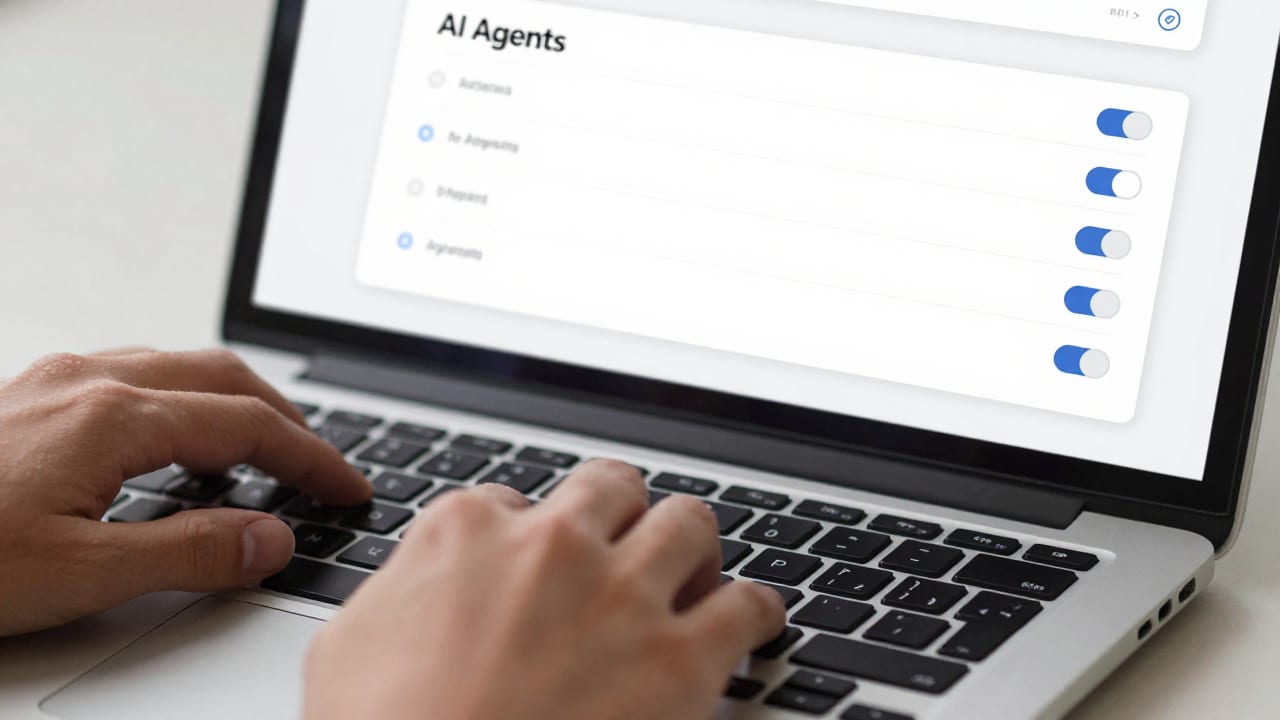
Once the instructions are set, test the agent in a "Shared Space." This is a private area where you and your team can interact with the agent before it goes "live" across your entire workspace. Check for accuracy and tone to ensure it reflects your brand.
Finally, monitor the agent's performance for the first week. ChatGPT for Business allows administrators to see which agents are being used most frequently and where they might be getting stuck. Refine the instructions based on this feedback.
What are the costs and privacy implications for small businesses?
One of the biggest misconceptions in 2026 is that AI agents are included for a flat monthly fee. While your ChatGPT Business subscription covers the platform, the actual "runs" of your agents often operate on a credit or token-based system.
OpenAI updated its pricing model in July 2026 to reflect the computational power required for agentic workflows. This means you should monitor recurring runs—like an agent that checks your data every hour—to ensure you aren't burning through your monthly credits unnecessarily.
From a privacy perspective, the September OpenAI update reinforced strict data boundaries. By default, OpenAI does not train its models on data from ChatGPT Business workspaces. Your proprietary spreadsheets, client lists, and internal memos remain your own.
Privacy Context: While OpenAI doesn't train on your data, you are still responsible for managing internal permissions. If you give an agent access to your financial folder, anyone in that Shared Space can potentially ask the agent for salary data. Always use the principle of least privilege.
Administrators have full control over which third-party apps are connected. You can white-list specific tools like Slack or Salesforce while blocking others. This level of control is what makes ChatGPT Workspace Agents viable for professional use compared to consumer-grade chatbots.
Always verify the output of your agents, especially when they handle financial calculations. While the 2026 models are significantly more accurate than previous versions, "hallucinations" can still occur in complex data analysis. Think of the agent as a junior analyst: it does the heavy lifting, but you should still give the final report a once-over.
Key Takeaways for Small Business Owners
- Agents are not just chatbots: They are functional tools that can connect to your data, follow multi-step instructions, and work on a schedule.
- The "Hidden Ops Layer" saves time: By automating the movement of data between apps like Google Drive and Slack, you eliminate the manual "meta-work" that drains your team.
- Start with one workflow: Don't try to automate your entire business overnight. Pick one report or one routing task to see immediate ROI.
- Privacy is built-in: ChatGPT Business ensures your data isn't used for training, but you must still manage internal permissions carefully.
- Monitor your tokens: Keep an eye on your credit usage for scheduled agents to manage your monthly AI spend effectively.
Frequently Asked Questions
Are ChatGPT Workspace Agents the same as Custom GPTs?
No. While they share some similarities, Workspace Agents are more powerful. They can be shared across a team, connect to live data sources like Snowflake, and run on schedules or triggers. Custom GPTs are generally more limited to simple chat interactions and manual file uploads.
Do I need to know how to code to build these agents?
No coding is required. You build agents using "Natural Language Instructions." If you can write a clear set of directions for a human intern, you can build a ChatGPT Workspace Agent. The complexity lies in the logic of your workflow, not the syntax of the code.
Can these agents send emails to my customers automatically?
Yes, they can, but it is highly recommended to use the "Human-in-the-loop" configuration. You can set the agent to draft the response and notify you in Slack. You then simply click "Approve" to send it, ensuring that the AI never says something unintended to a client.

Next Steps: Building Your First Agent
The transition from manual operations to an AI-driven "hidden ops layer" is the competitive advantage of 2026. If your team is still manually updating spreadsheets or losing tasks in a sea of sticky notes, you are falling behind.
First, check your ChatGPT Business subscription to ensure you have access to the latest Workspace Agent features. Then, gather your team for a 30-minute brainstorm to identify the "boring" tasks that everyone hates doing. That is where your first agent should live.
If you aren't sure where to start, or if you want to ensure your data architecture is ready for AI integration, our team can help. At CodeRift, we specialize in mapping out manual workflows and replacing them with high-efficiency agentic layers.
Don't let manual overhead throttle your growth this year. Reach out to us to learn more about our AI implementation services or book a free 15-minute audit call to see how ChatGPT Workspace Agents can transform your operations.
We will look at your current tech stack, identify the biggest bottlenecks, and give you a roadmap for your first three agents. Let's turn your AI from a toy into a tool that actually moves the needle for your business.